How to Make a Production Stripboard (Step-by-Step)
From script breakdown to colored strips to final shoot day order. The complete guide to building a stripboard.
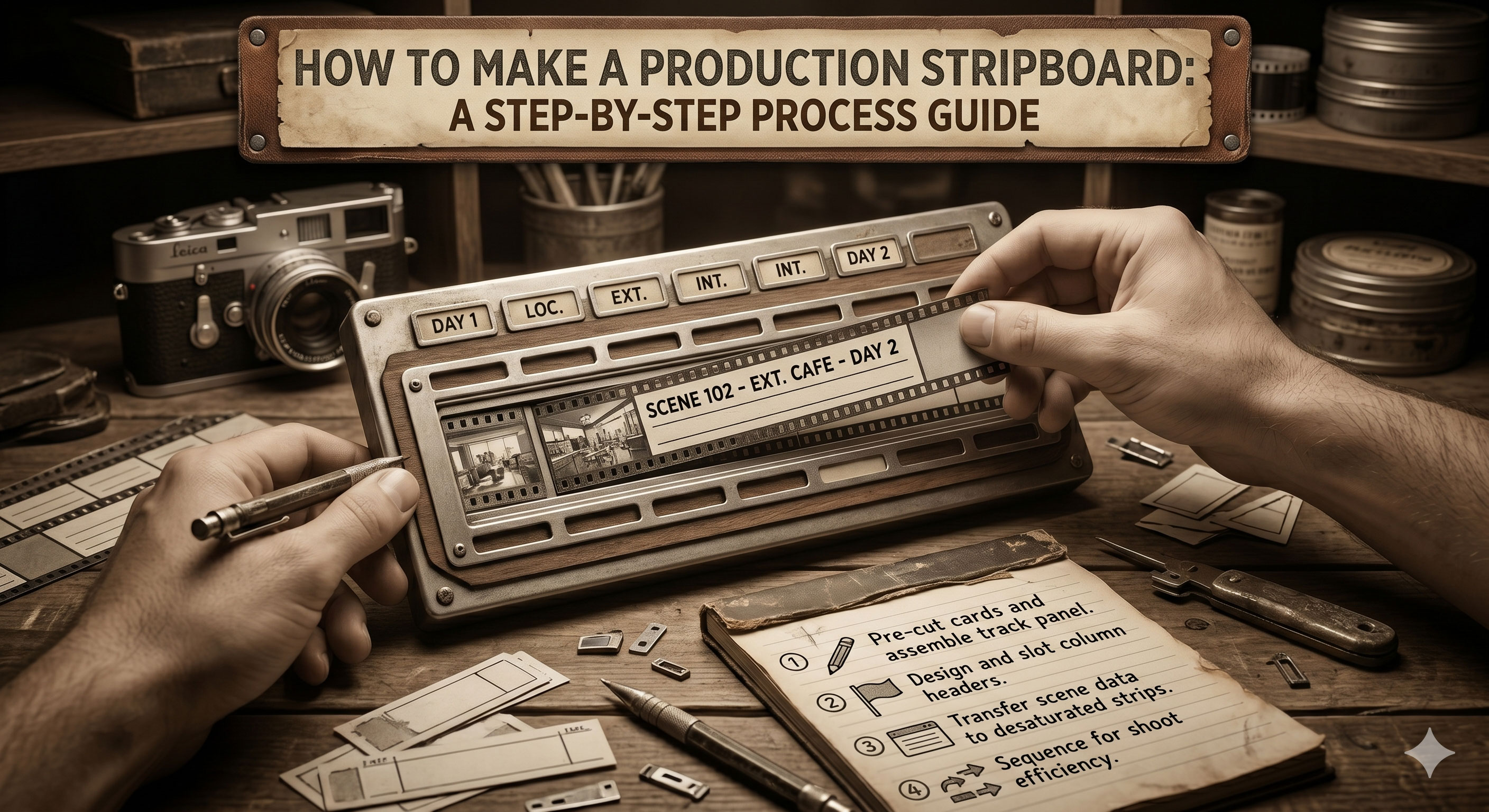
How to Make a Production Stripboard (Step-by-Step)
To make a production stripboard, you start from a broken-down script, turn each scene into a colored strip with its scene number, cast, location, page count, and time-of-day, and then arrange those strips into shoot days grouped by location and logistics. The goal is a scheduling document that shows the whole production at a glance and becomes the source of truth for every downstream document — call sheets, DOOD reports, one-liners.
Below is the workflow most working 1st ADs use, whether they're building in cardboard or software. The mental model is identical; only the tools change.
Prerequisites
Before opening a single tool, you need three things locked:
- A locked or near-locked script. Stripboards built from moving scripts end up rebuilt three times. Wait until the script is at least "pink revision" locked before committing to the board.
- A completed script breakdown. Every scene tagged for cast, location, time-of-day, page count, and special notes (stunts, SFX, vehicles, animals). Our how to break down a script post walks through the breakdown process.
- Basic production parameters. Target shoot length in days, budget tier (affects pace), known cast availability, known location holds or restrictions.
If any of these three are shaky, the stripboard will reflect that shakiness. Prep the inputs before building the board.
Step 1: One strip per scene
Every scene in the script becomes one strip. The strip carries:
- Scene number (as numbered in the script)
- Location name (INT. CAFE, EXT. STREET, etc.)
- Interior or exterior (I or E)
- Day or night (D or N)
- Page count in eighths (e.g. 2 5/8)
- One-line scene description
- Cast IDs (numbered references — 1 = Lead, 2 = Best Friend, etc.)
- Script day (which day within the story the scene happens on)
Software does this automatically from a broken-down script. Manual stripboards require writing each strip by hand, which is slow but forces the 1st AD to read every scene carefully — some prefer this for that reason alone.
If you have 120 scenes in the script, you end up with 120 strips. Some scenes may split into multiple strips if they shoot in multiple locations (e.g. a "phone call" scene that covers both ends).
Step 2: Color-code each strip
Strip color is determined by two axes: interior/exterior and day/night. The industry standard:
- White — Day Interior (INT. D)
- Yellow — Day Exterior (EXT. D)
- Blue — Night Interior (INT. N)
- Green — Night Exterior (EXT. N)
Scenes that span time transitions (a "dusk" scene) typically pick the dominant time — or use a special strip color some software reserves for ambiguous times. For the full reference, see our stripboard colors explained post.
At this point every strip is colored and populated, but still in script order. Scene 1 is first, Scene 120 is last. That's fine — the next step is where it changes.
Step 3: Group by location
Most of the value of a stripboard emerges at this step. Pull all strips that share a location together. All scenes at the café — regardless of whether they're scene 14, 22, 78, or 103 — cluster into one location group. All scenes on the city street cluster together. And so on.
This matters because the biggest schedule cost in any production is moving the crew. A "company move" — packing up lights, grip, craft, trailers, and relocating — can easily eat half a shoot day. Grouping by location minimises moves.
Within each location group, arrange strips by time-of-day:
- Day Exteriors first (use the sun while it's up)
- Day Interiors second (lighting setup forgives cloud cover)
- Night Exteriors (golden hour + night)
- Night Interiors last (can run late without weather concerns)
This sub-order isn't absolute — cast availability often overrides it — but it's the default starting point.
Step 4: Insert banners and day breaks
Banners visually separate location groups. Most tools use a black banner; some use a horizontal rule. The banner carries the location name in large type so department heads reading the board can scan for "where are we shooting Tuesday?"
Day breaks mark the end of a shoot day. Most tools use a gray strip or a thin horizontal divider. Day breaks are placed by balancing page count across days:
- Dramatic features: 2–3 pages/day average
- Dialogue-heavy TV: 5–8 pages/day average
- Action / stunts: 1–2 pages/day (sometimes less)
- Low-budget features under tight schedules: 4–6 pages/day
The 1st AD places day breaks to balance the workload, then adjusts for location holds, cast availability, and weather windows in step 5.
Step 5: Sequence for logistics
At this stage the stripboard looks reasonable on paper but hasn't been stress-tested against reality. The 1st AD walks through:
- Cast availability. Cross-reference each strip's cast IDs against known hold dates. A scene requiring the lead can't shoot on a day the lead is unavailable.
- Location holds. Some locations have specific available windows (e.g. "available Tuesday and Thursday only"). Strips shot at that location have to fit within those windows.
- Weather. Day Exteriors in March need back-pocket interior cover if the forecast breaks. Night Exteriors in November need coat budget.
- Equipment packages. A crane day shoots every crane scene within that day; you don't pay for a crane twice.
- Travel and prep. First-day-of-shooting tends to be lighter (logistics warm-up). Last-day tends to be lighter (pickups, wrap). Account for this.
- Union turnaround. Today's wrap time drives tomorrow's earliest call. If today's last strip runs to 10 PM, tomorrow can't call before 8 AM under IATSE 10-hour turnaround.
Each of these factors triggers strip rearrangements. By the end of step 5, the stripboard reflects not just the script but also the production's logistical reality.
Step 6: Generate day-out-of-days
Once the stripboard is locked, generate a day-out-of-days (DOOD) report. The DOOD shows which cast members work on which shoot days, which drives contract calculations and payroll.
Most scheduling software generates the DOOD automatically from a locked stripboard. Our what is a day out of days post walks through how to read one.
If the DOOD reveals a problem — a cast member with a two-week gap that triggers a "hold" payment under their contract — go back to step 5 and rearrange. The stripboard and the DOOD are tightly coupled; any change to one updates the other.
Step 7: Review with UPM and director
A stripboard built in a vacuum misses context. The UPM brings budget knowledge (what a crane day actually costs, whether night shoots fit the budget). The director brings creative priorities (which scenes need to shoot on day 1, which can slide to week 3).
The review loop typically runs two or three passes. Each pass triggers adjustments. By the final pass, the UPM, director, and 1st AD should sign off on the stripboard as locked — meaning no further changes without deliberate re-approval.
A locked stripboard is the source of truth for the shoot. Call sheets, DOOD reports, and one-liners derive from it automatically.
Manual stripboards vs software
Manual stripboards (physical cardboard on a wooden board) have a few remaining use cases:
- Film school and training environments
- Small productions where the tactile metaphor is valuable
- UPMs who genuinely think better with physical objects
- A printed reference pinned to the production office wall
For everything else, software wins. The five reasons:
- Auto-populate from the script. Software imports a broken-down script and generates strips automatically.
- Drag-and-drop rearranging. Faster than pulling and re-slotting physical strips.
- Live collaboration. The UPM, 1st AD, and director can edit simultaneously.
- Downstream document generation. Call sheets, DOOD, and one-liners pull from the locked board.
- Revision history. "What did Tuesday look like three weeks ago?" has an answer.
Production Slate's schedule feature replicates the stripboard metaphor with drag-and-drop strip arrangement, auto-color coding from script sluglines, live day-out-of-days generation, and direct handoff to the call sheet workflow. Import a FinalDraft FDX and you'll be on step 3 within five minutes.
Common mistakes when building a stripboard
A few patterns that trip up first-time 1st ADs:
Rushing to lock. A stripboard built in a day is a stripboard that rebuilds itself three times. Plan for the build to take a full week of prep, with gaps to think between sessions.
Ignoring cast availability until the end. Check cast holds on day 1, not day 10. Discovering the lead is unavailable for scenes you just scheduled on Tuesday is painful.
Perfect page-count balance. Don't obsess over every day hitting exactly 2.5 pages. A 4-page day followed by a 1.5-page day can be the right call if it groups a location efficiently.
Forgetting turnaround. Today's wrap time constrains tomorrow's call. A 10 PM wrap followed by a 6 AM call breaks union turnaround in most jurisdictions.
Building without a locked script. If the script is still revising, lock the stripboard to the current draft and expect to rebuild. Better: wait.
Free template
For a starting point, grab our free shooting schedule template with a built-in stripboard layout. Works for small productions; graduate to software when the scene count crosses about 50.
Next step
For more on the output the stripboard feeds — the day-out-of-days report, the call sheet, the one-liner — see what is a day out of days, how to make a call sheet, and what is a one-liner schedule. For the software landscape, our best production scheduling software comparison walks through the seven tools indie and mid-budget productions are using in 2026.
To build one in software, Production Slate's schedule feature imports your broken-down script and has you drag-and-dropping strips within minutes.
Written by Production Slate · Production Slate