Shooting Schedule Template (Copy-Paste Stripboard Layout)
A copy-paste shooting schedule layout with a built-in stripboard. Drops straight into Google Docs, Excel, or any text editor. No signup.
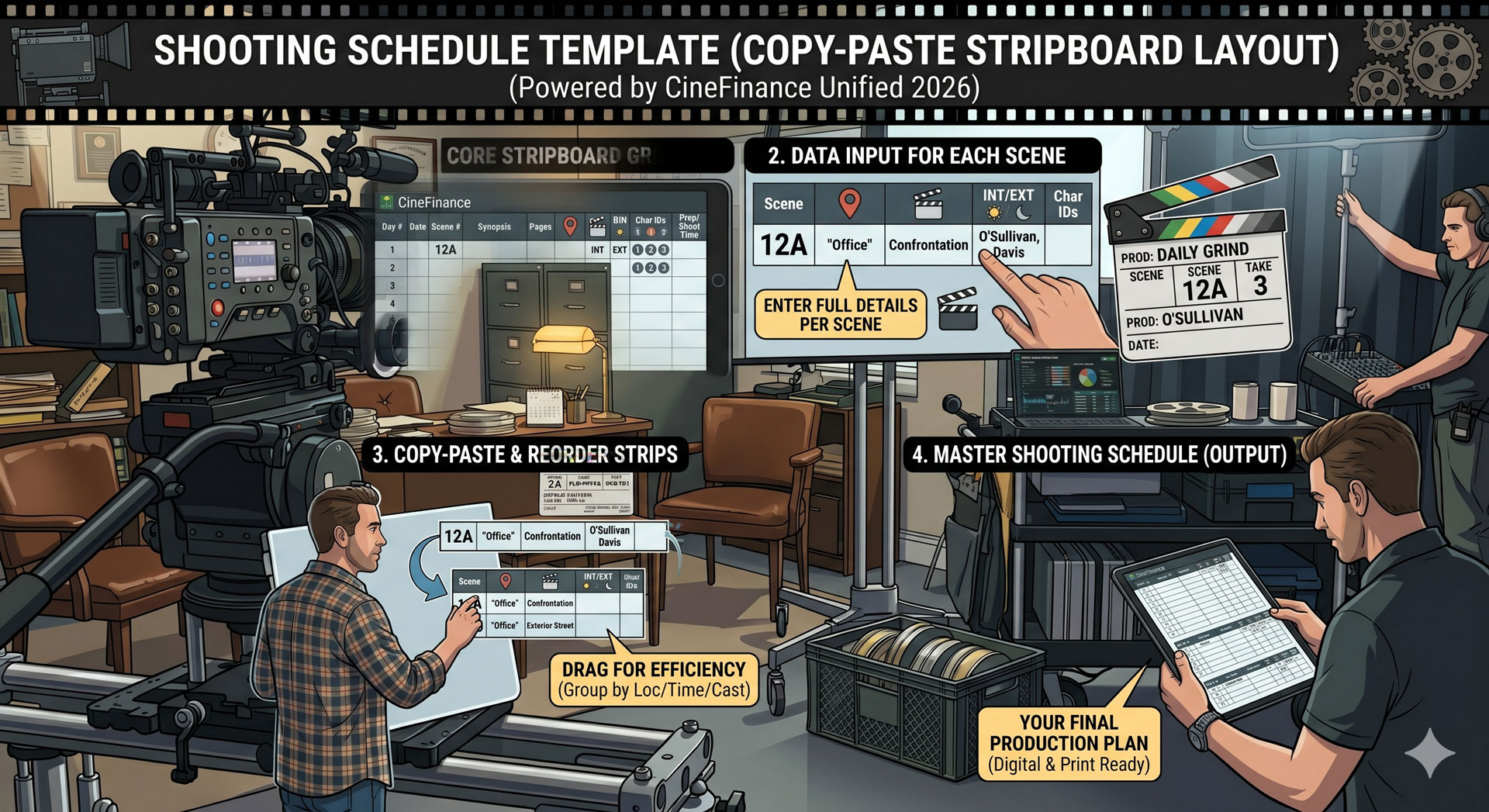
Shooting Schedule Template (Copy-Paste Stripboard Layout)
Most "free shooting schedule template" posts link to a decade-old PDF or a Google Doc gated behind an email form. This one doesn't. The template is the text block below — paste it into Google Docs, Excel, Google Sheets, or any text editor, fill in the placeholders, and you have a working shooting schedule with a built-in stripboard layout.
No email signup, no watermark, no backlink chase. If you want context on the underlying structure, our step-by-step how-to-make-a-stripboard guide walks through the process from broken-down script to locked schedule.
How to use it
Three common destinations:
- Google Sheets / Excel — best for shoots over 8 days. Paste into a worksheet; use one row per strip and fill columns across. The formula-friendly layout lets you total page counts per day automatically.
- Google Docs / Word — best for shoots under 8 days or for printing a reference copy. Paste as-is and leave the monospaced formatting; most text editors render it cleanly.
- Notion / similar — paste and convert to a database view. Each row becomes a strip; each day-break row becomes a separator.
Fill the bracketed placeholders. Export or share when it's locked.
The layout
Copy everything between the dashed lines:
-----------------------------------------------------------
[PRODUCTION TITLE] — SHOOTING SCHEDULE
Version: v1   ·   Locked by: [Name]   ·   Date: [YYYY-MM-DD]
Total shoot days: [X]   ·   Total page count: [X 0/8]
-----------------------------------------------------------

=== DAY 1 — [DATE] — [DAY OF WEEK] ===
Location group: [CAFE INTERIOR]
Call: [07:00]   Wrap (est.): [19:00]

Strip  Sc#   D/N  I/E   Pages    Cast      Description
------ ----- ---- ----- -------- --------- -------------------------
WHITE  14    D    I     1 2/8    1, 2      Lead orders coffee.
WHITE  22    D    I     5/8      1         Lead returns for closure.
BLUE   78    N    I     1 4/8    1, 3      Last customer leaves.
                                                    Day total: 3 3/8 pp

=== DAY 2 — [DATE] — [DAY OF WEEK] ===
Location group: [STREET EXTERIOR]
Call: [06:30]   Wrap (est.): [19:30]

Strip   Sc#   D/N  I/E   Pages    Cast      Description
------- ----- ---- ----- -------- --------- -------------------------
YELLOW  15    D    E     2/8      1         Lead walks to work.
YELLOW  31    D    E     2 6/8    1, 2, 4   Confrontation.
GREEN   56    N    E     3 2/8    1, 4, 5   Chase sequence.
                                                    Day total: 6 2/8 pp

=== DAY 3 — [DATE] — [DAY OF WEEK] ===
Location group: [OFFICE INTERIOR]
Call: [08:00]   Wrap (est.): [19:00]

Strip  Sc#   D/N  I/E   Pages    Cast      Description
------ ----- ---- ----- -------- --------- -------------------------
WHITE  42    D    I     1 5/8    2, 3      [Description]
WHITE  43    D    I     4/8      2         [Description]
BLUE   89    N    I     2 1/8    2, 3, 5   [Description]
                                                    Day total: 4 2/8 pp

[continue for each shoot day...]

-----------------------------------------------------------
STRIP COLOR LEGEND
  WHITE   Day Interior
  YELLOW  Day Exterior
  BLUE    Night Interior
  GREEN   Night Exterior

Banners: Location changes. Day breaks: End of shoot day.
Cast listed by ID (1 = Lead, 2 = second lead, etc.)
-----------------------------------------------------------

DAY OUT OF DAYS (cast summary)
Cast ID   Name          Start   Finish   Total Days  Hold Days
1         [Lead]        Day 1   Day [X]  [count]     [count]
2         [Supporting]  Day 1   Day [X]  [count]     [count]
3         [Antagonist]  Day 1   Day [X]  [count]     [count]
-----------------------------------------------------------

LOCATION SUMMARY
Location            Days used   Total pages
[Cafe interior]     [Day 1]     3 3/8
[Street exterior]   [Day 2]     6 2/8
[Office interior]   [Day 3]     4 2/8
-----------------------------------------------------------
That's the full template. Adapt it to your shoot — drop blocks you don't need, extend blocks that don't fit the defaults.
Section-by-section notes
A few things that aren't obvious from the layout alone:
Strip color is the first column for a reason. The color tells you day/night and interior/exterior in one glance. Read down the color column and the production's shape becomes visible — a Tuesday full of yellow/green means you're exterior-heavy and weather-dependent.
Page counts use eighths. "1 2/8" means one and a quarter script pages. Don't convert to decimals — the industry uses eighths, and the paper-script breakdown is measured in them.
Day totals help you balance. Features typically target 2–3 pages/day; TV runs higher. Days that hit the target in the table above mean the schedule is realistic; days that blow past it are red flags.
Day-out-of-days (DOOD) reports in the summary block. This is the source data that drives cast contracts and payroll. Our what is a day out of days post walks through how to read and use one.
Location summary catches company-move errors. If the same location appears on non-consecutive days, you're paying to move crew back and re-rig. Sometimes this is unavoidable; often it's a sign to revisit the strip arrangement.
Color code quick reference
If you need a standalone reference, our full stripboard colors post covers the core four plus banners, dividers, and production-type variations.
When the template stops working
This layout works fine on shoots up to about 12–15 days. Past that, three problems surface:
- Page-count math breaks. Manually totaling eighths across 30 strips per day is where transcription errors start. Spreadsheets help, but even spreadsheets miss when page counts update in the script.
- DOOD reports drift. The cast summary above has to be rebuilt every time strips rearrange. A single reshuffle can trigger a full-table rewrite.
- No script integration. When the script revises (and it will), every scene's page count and cast list can shift. The template doesn't know.
Software fixes all three. The stripboard becomes the source of truth; call sheets, DOOD reports, and one-liners pull from it automatically.
Production Slate as the software version
We built Production Slate's schedule feature specifically for productions graduating out of schedule templates. Import a FinalDraft FDX script, the stripboard auto-populates with strips color-coded from the sluglines, and rearranging strips updates the DOOD and downstream call sheets live.
It's the same stripboard structure as the template above, generated from your script instead of typed in.
FAQ
Can I use this on a paid production? Yes. Commercial shoots, features, music videos, branded content. No attribution required.
Does this replace Movie Magic Scheduling? For small shoots, yes. For studio productions that hand schedules to payroll services expecting a specific format, check compatibility with the receiving system first. MM Scheduling's native format isn't universally interchangeable.
How do I convert this to a one-liner? A one-liner compresses each scene to a single row with scene number, location, and description — drop the cast/page-count columns and you have one. More in our what is a one-liner schedule post.
Can I use this for documentary or unscripted? The scene-based structure doesn't fit documentary cleanly. Unscripted productions usually schedule by location-day or shoot-block rather than by scene. Use the location summary section as the anchor and ignore the strip colors.
When do I need a separate stripboard document? You don't. The template above is a stripboard, just in text form. A visual stripboard (with physical or digital strips) is the graphical presentation of the same data.
Next step
Paste the template into your document of choice and fill it in from your script breakdown. When the manual math starts eating prep time, Production Slate's schedule feature generates the stripboard, DOOD, and call sheets from the same source data automatically. For more on the broader scheduling software landscape, our best production scheduling software comparison covers the seven tools indie and mid-budget productions are choosing in 2026.
Written by Production Slate · Production Slate