Movie Magic Budgeting Alternatives
Six Movie Magic Budgeting alternatives, with honest notes on migration. Native .mbd files aren't portable — here's what actually imports.
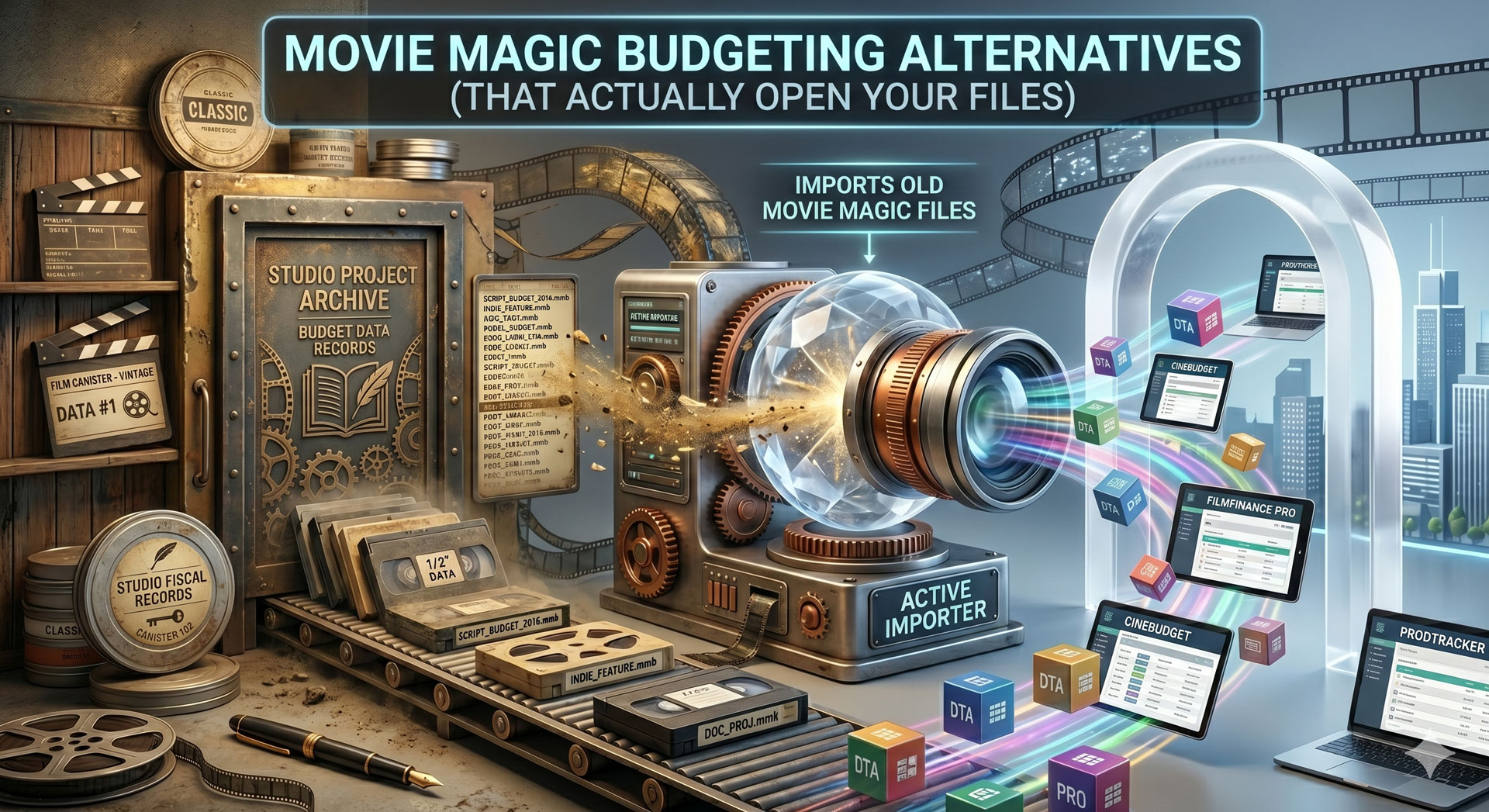
Movie Magic Budgeting Alternatives (That Actually Open Your Files)
If you're leaving Movie Magic Budgeting (MM), the first thing to know is that your existing .mbd files don't directly open in anything else. The format is proprietary and closed. The workaround every alternative relies on is MM's built-in XML export — File → Export → XML Advanced — which produces a structured XML file alternatives can import with varying degrees of fidelity. Below is an honest comparison of the six tools most producers consider when migrating off MM, with specific notes on what their MM-import paths actually handle.
Why people leave Movie Magic
Three structural reasons producers migrate away from MM:
- No real-time collaboration. MM is desktop-first. Two people can't edit the same budget simultaneously. On producer-heavy teams or distributed productions, this is a constant friction.
- File-based version control. "Budget_v12_FINAL_reallyfinal.mbd" is the natural end state of MM workflows. Cloud tools eliminate this by design.
- Cost. MM's per-seat licensing adds up, especially on small productions that need 2–3 simultaneous users.
MM still wins for studio productions, completion-bonded shows, and anywhere a payroll service specifically demands native .mbd output. For everything else, alternatives are now real.
For the broader budgeting software comparison, see best film budgeting software.
The migration reality: native .mbd isn't portable
This is the part most "alternative" posts gloss over. MM's native file format is closed. You cannot open a .mbd file in any other tool. Anyone claiming to directly import .mbd is either misrepresenting what they do or working with a version of MM that's over a decade old.
The escape hatch that every alternative relies on: File → Export → XML Advanced inside MM Budgeting. This produces a structured XML file containing the chart of accounts, line items, estimates, fringe categories, and global variables. The XML is well-documented enough that alternatives can parse it.
What the XML preserves:
- Full chart of accounts structure
- Line item descriptions and estimates
- Fringe definitions and fringe assignments
- Global variables (rates, multipliers)
- Category totals and subtotals
What the XML loses:
- Some custom formatting and display preferences
- Attached notes and metadata in some field types
- Revision history (only the current state exports)
- External file attachments
Budget a half-day of your line producer's time to verify the import. Every migration is slightly different depending on which MM features your production used; small reconciliation work is always required.
The six alternatives
Ranked roughly by how common they are as MM replacements in 2026, with honest notes on each.
1. Production Slate
What it is. Cloud-native all-in-one platform covering budget, schedule, call sheets, and the rest of production management.
MM import path. Imports MM XML Advanced export directly. Chart of accounts, line items, estimates, and fringes come across. Manual reconciliation typically needed for 2–5% of line items depending on MM template customisation.
Where it wins for ex-MM users. Real-time collaboration (the single biggest gap in MM's offering). Integration with the schedule so crew labor estimates flow automatically. Free tier handles a full production. Crew timesheet data feeds actuals during production.
Where it loses. No .mbd export back to MM. If your payroll service specifically requires MM format, this is a one-way migration. Smaller template library than MM's multi-decade catalog.
Best for. Indie features, commercials, mid-budget productions that want to leave MM entirely and don't need round-trip compatibility.
2. Hot Budget
What it is. Long-standing Excel-based budgeting template used heavily in commercials and music videos.
MM import path. Partial. Hot Budget accepts CSV exports from MM but doesn't parse the full XML structure. Expect to manually rebuild chart of accounts and fringe logic.
Where it wins for ex-MM users. Every line producer already knows Excel. Hot Budget is essentially an Excel framework, so the learning curve is near zero. Flexible, customisable, well-documented.
Where it loses. No real-time collaboration (Excel file-based). No native estimates-vs-actuals logic beyond what the user builds. MM chart-of-accounts structure has to be rebuilt manually.
Best for. Commercial and music video line producers who live in Excel and don't need real-time collaboration.
3. Showbiz Budgeting
What it is. Desktop-first MM alternative used by a meaningful minority of line producers.
MM import path. Partial via XML. Reconciliation needed for fringes and custom fields.
Where it wins for ex-MM users. Similar desktop-based workflow to MM, so the interface is familiar. Strong reporting.
Where it loses. Same cloud/collaboration gap as MM. Smaller user base means fewer external stakeholders recognize it.
Best for. Producers who specifically prefer Showbiz's interface or feature set over MM but want a similar workflow.
4. Gorilla Budgeting
What it is. Desktop-leaning tool often paired with Gorilla Scheduling.
MM import path. Limited. CSV imports work; full XML import is partial. Chart-of-accounts mapping usually requires manual work.
Where it wins for ex-MM users. If you already use Gorilla Scheduling, matching budget and schedule tools simplifies the workflow.
Where it loses. Interface dated. Cloud features are limited rather than native.
Best for. Indie productions already using Gorilla Scheduling who want a matching budget tool.
5. Saturation.io
What it is. Newer cloud-first tool primarily focused on call sheets and production paperwork, with a growing budget feature.
MM import path. Partial. Newer tool with newer import paths; complex MM budgets may need manual reconciliation.
Where it wins for ex-MM users. Modern UX, simple pricing, cloud-native.
Where it loses. Budget depth is still catching up to dedicated budgeting tools. Estimates-vs-actuals is partial.
Best for. Productions with simpler budget structures, especially commercials and music videos.
6. Google Sheets
What it is. A spreadsheet.
MM import path. Export MM as CSV, paste into Sheets, rebuild the chart-of-accounts structure manually.
Where it wins for ex-MM users. Free, familiar, cloud-based, simultaneous editing.
Where it loses. No chart of accounts. No fringe logic. No estimates-vs-actuals. Everything has to be built from scratch or adapted from a template.
Best for. Shorts and micro-features where the MM chart of accounts is overkill and a flat spreadsheet is enough.
What to check before committing to a migration
Five questions to answer before moving off MM:
1. Does your payroll service specifically require MM format? Some payroll services do. Confirm in writing before migrating. If yes, either stay on MM or plan to re-export budgets to MM format before handing to payroll — which is painful enough that staying on MM is usually the right call.
2. Does your completion bonder accept non-MM budgets? Completion bonders often have strong format preferences. Confirm with your bonder before proposing an alternative. If the bond requires MM, the cost of the alternative tool is the cost of the bond at risk.
3. Are you migrating mid-production or between productions? Mid-production migrations are dangerous. Rebuild and reconciliation errors during active budget tracking are a real risk. Prefer migrating between productions when possible.
4. How customised is your MM template? A stock MM template imports cleanly. A heavily customised template with bespoke fringes, custom global variables, and non-standard groupings requires more manual reconciliation.
5. Do your external stakeholders (financiers, bond companies, distribution partners) need to open the budget? If yes, confirm they can read the new tool's output. PDF exports are universally readable; tool-specific formats aren't.
A specific migration workflow to Production Slate
If Production Slate is your target, here's the specific path:
- In MM Budgeting: File → Export → XML Advanced → save to your local drive.
- In Production Slate: Budget feature → Import → MM XML → upload the file.
- Verify every top-level category. Compare the imported total against the MM total. Should match to the dollar; if it doesn't, find the discrepancy before proceeding.
- Review fringe assignments. Fringes sometimes land on the wrong lines. Walk through each department and verify.
- Reconcile global variables. Rates and multipliers from MM map to Production Slate's equivalents but occasionally need adjustment.
- Lock the imported budget as v1. From there, all edits happen in Production Slate.
Allow half a day for a typical indie-scale budget; a full day for heavily customised templates.
Common migration mistakes
Migrating mid-production. Active estimates-vs-actuals tracking breaks when the underlying structure shifts. Wait until the end of the current run.
Skipping the XML export step. Some producers try to manually rebuild from PDFs or summary reports. This loses all structure and takes 5x as long as the XML path.
Not reconciling the total. If the imported budget totals $2 different from the MM original, find the $2. Small discrepancies signal structural issues that will grow.
Assuming all MM features have 1:1 equivalents. Some do, some don't. A feature list comparison before committing prevents surprise gaps.
Forgetting to re-lock the chart of accounts. Once imported, lock the chart of accounts in the new tool so downstream edits don't accidentally add categories that won't reconcile later.
The honest summary
If you need round-trip compatibility with MM (payroll services, completion bonders, studios), stay on MM. The alternatives work, but the handoff friction is real.
If you don't need round-trip compatibility, Production Slate, Hot Budget, and Showbiz are the three most-common MM replacements. Production Slate for cloud-native indie and mid-budget work; Hot Budget for Excel-native commercial producers; Showbiz for producers who specifically prefer its feature set.
Next step
For the broader budgeting software landscape, see best film budgeting software. For the underlying budgeting process itself, how to build a film budget walks through the script-to-lock workflow, and indie film budget breakdown shows a line-by-line $250k example.
If you're ready to migrate, Production Slate's budget feature imports your MM XML Advanced export directly — real-time collaboration, estimates vs actuals, and integration with schedule and call sheets out of the box.
Written by Production Slate · Production Slate